Quick Guide
Part 1:
Once you've made an account you are able to use our scanning system.
The Scan Page features an area for you to upload your card photos to!
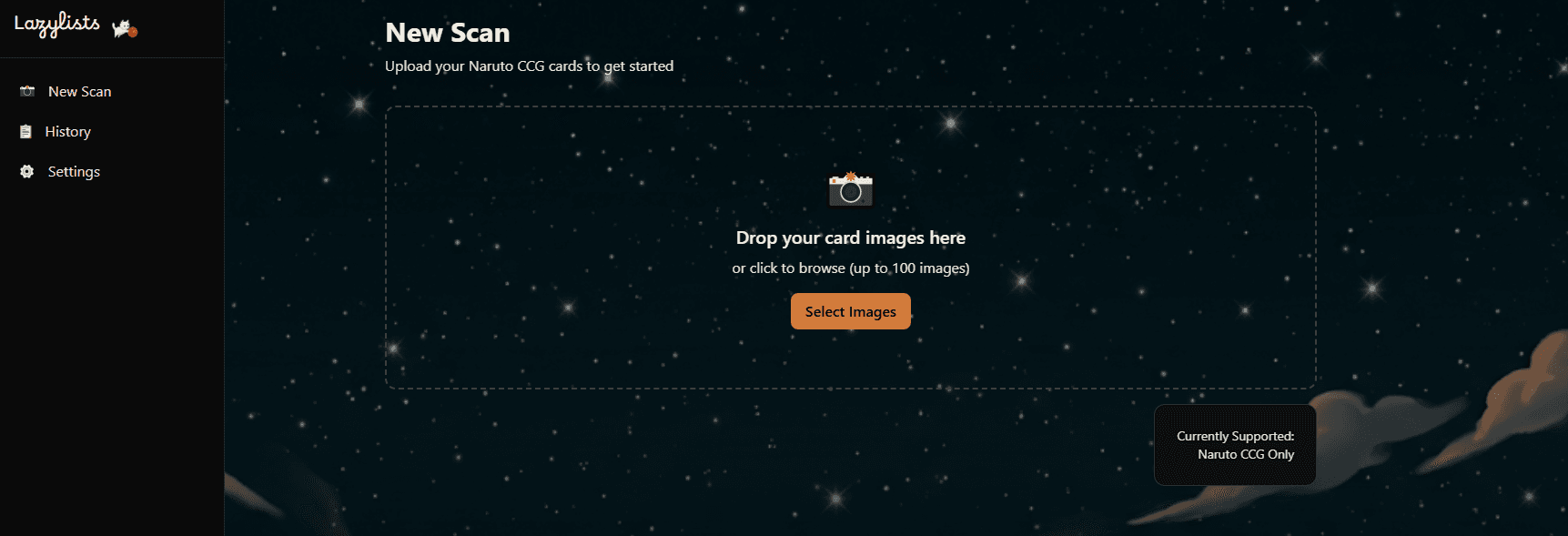
Drag and drop, or select photos from your device after clicking the 'Select Images' button
Part 2:
Once photos are added a Batch Configuration Menu appears.
Use these selections to designate important attributes about your cards that our system cannot yet reliably detect. (Selections will apply to the entire Scan Batch)
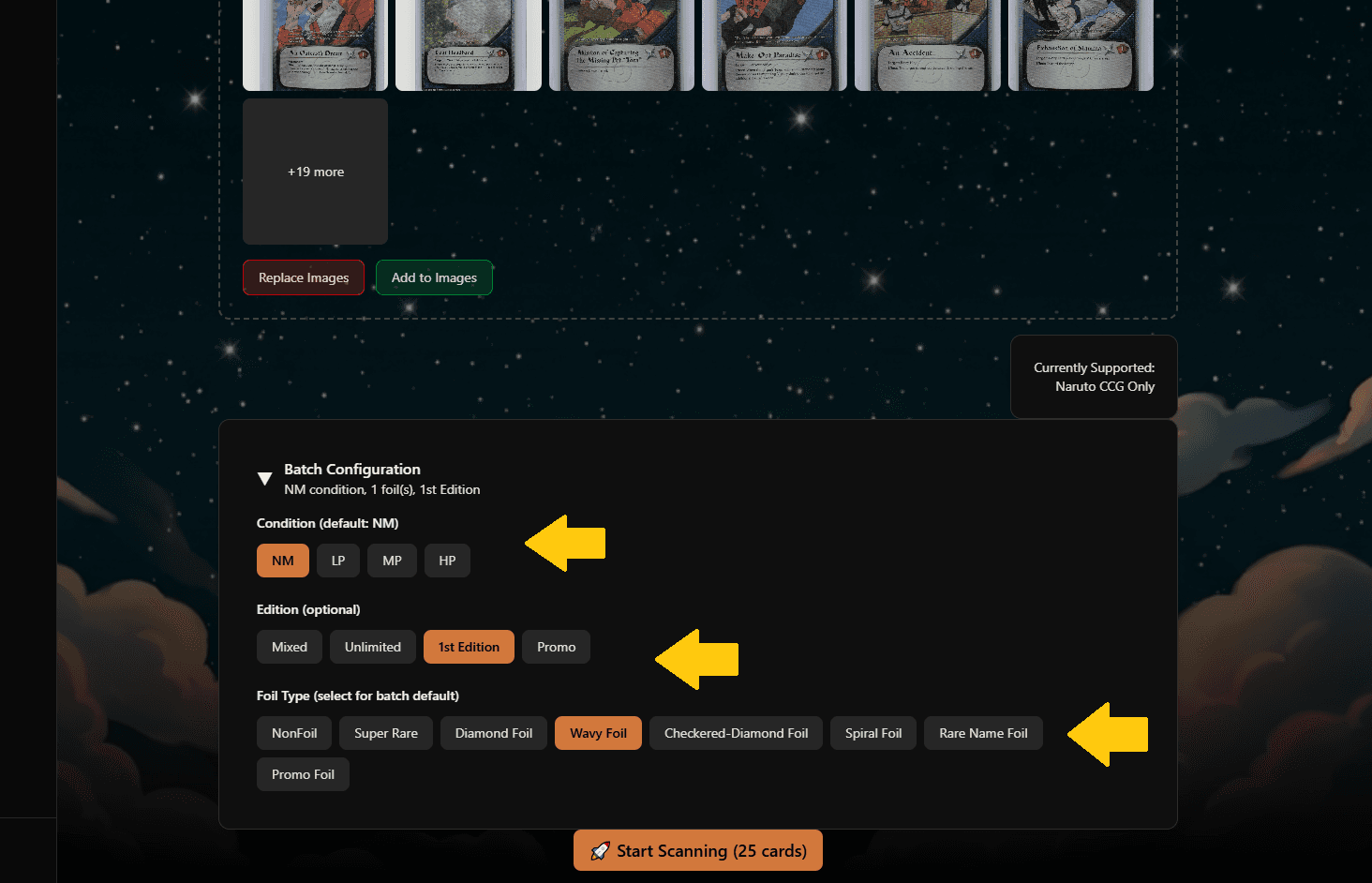
Make your selections and hit the Start Scanning button for Lazylists to identify the cards!
If you make any mistake at this step, it's ok- you can make bulk edits & individual edits seamlessly
Part 3:
Processing begins!
Card Image upload is to a professional Google Cloud Server so we can use your same card images for your actual listings with a marketplace
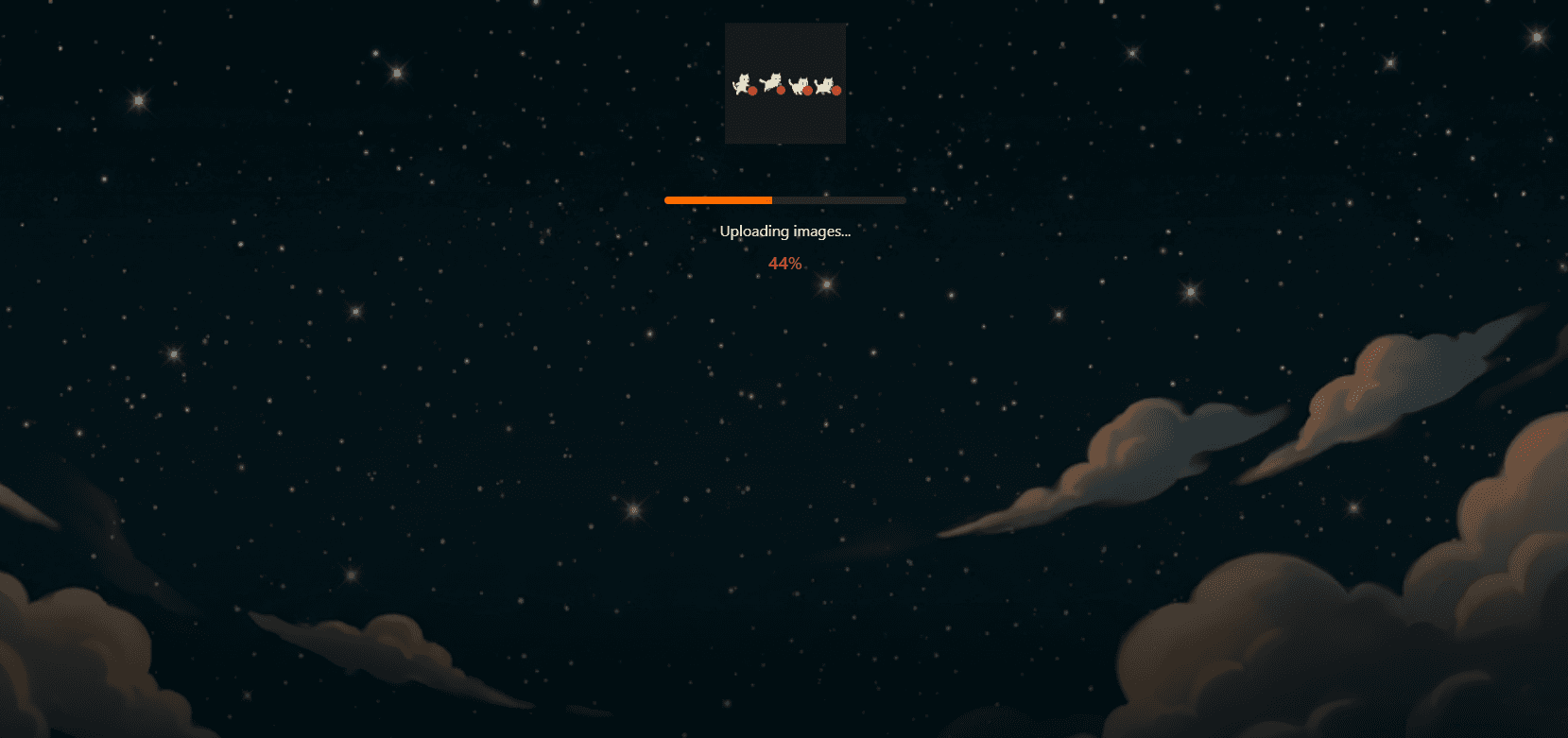
Please wait for completion, this step shouldn't take longer than a minute.
Part 4:
Success! Lazylists has identified your batch of cards.
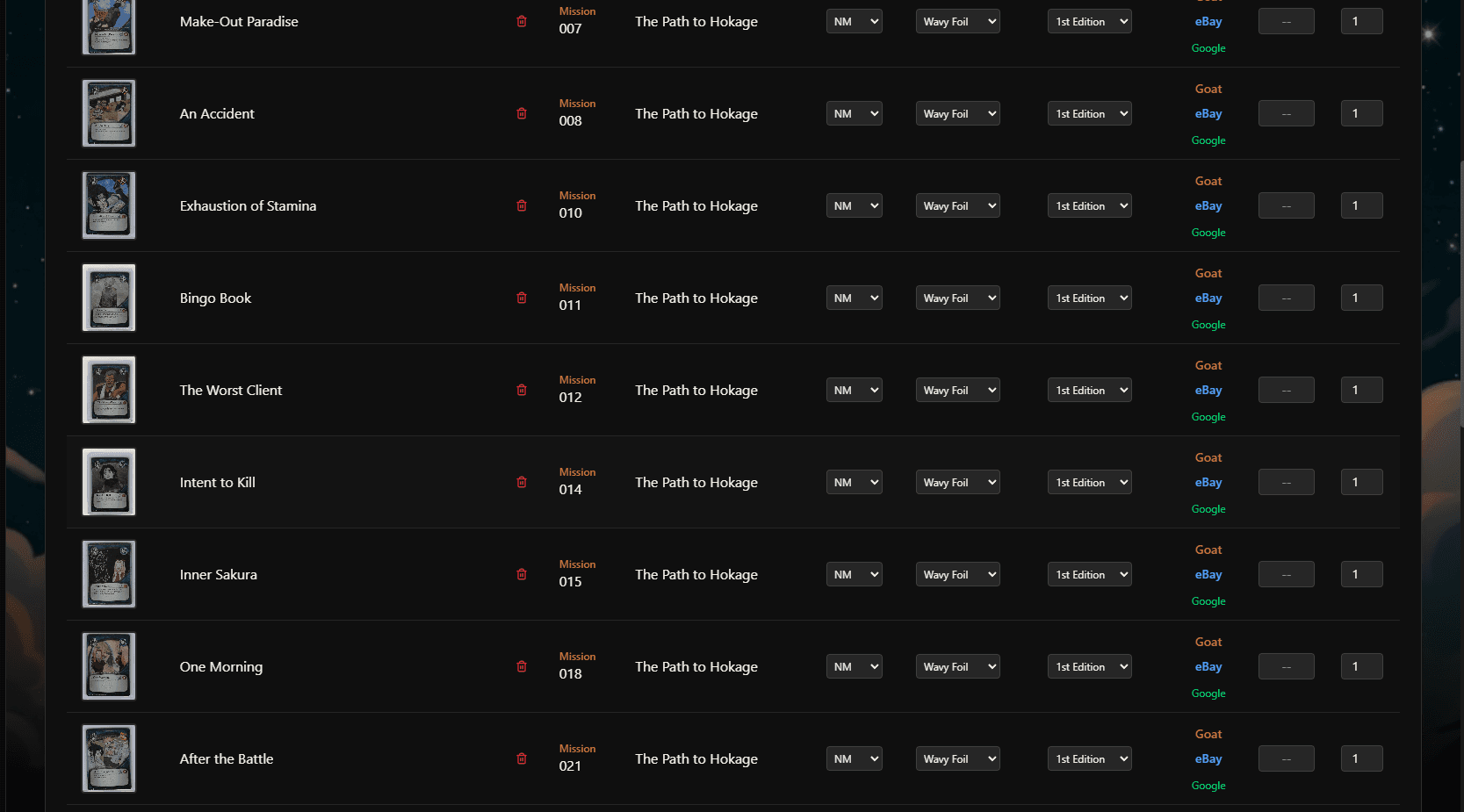
You should see all of your cards populate, if you scanned many cards- scroll down to see them all
Part 5:
Error Detection
When we need your help you'll see this icon alerting you
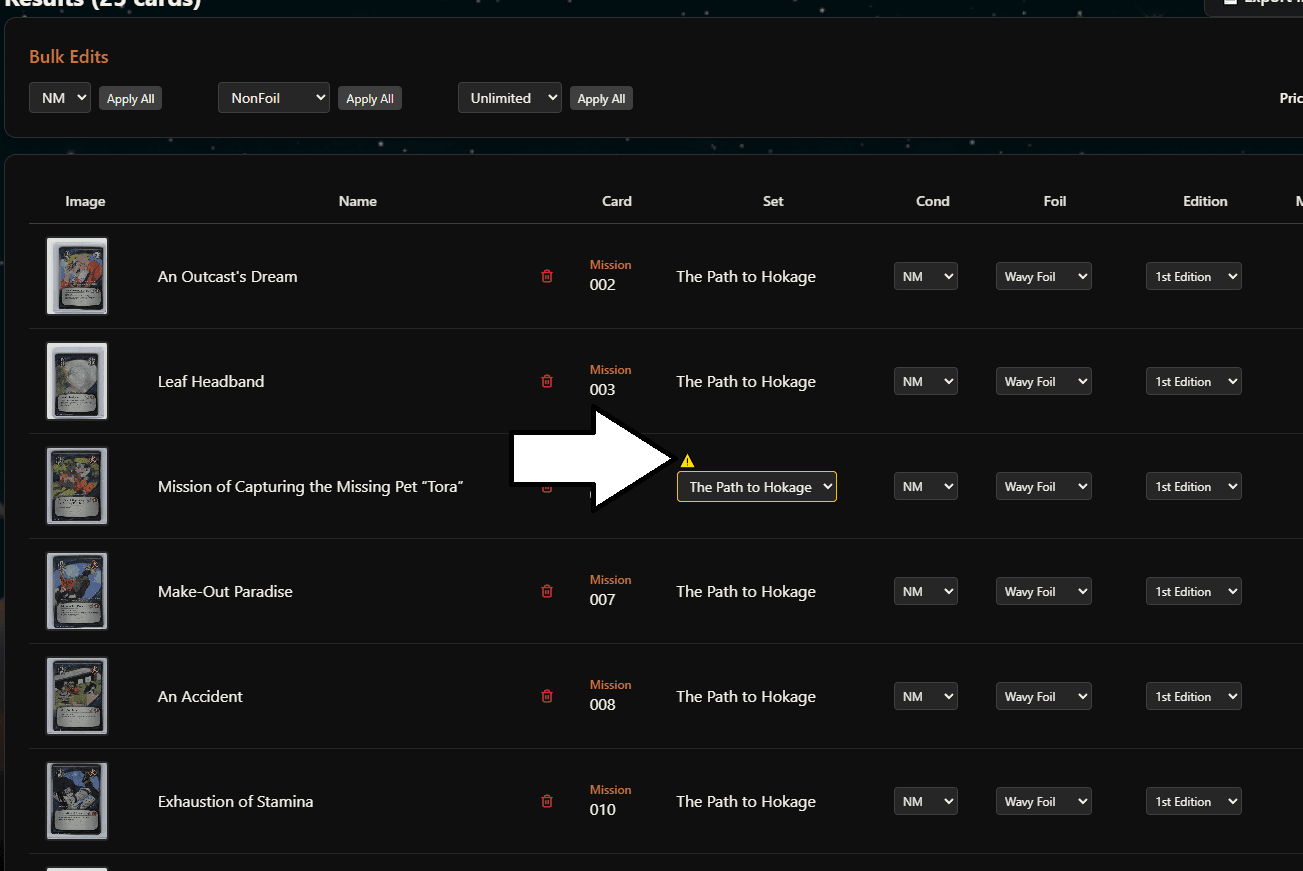
Keep an eye out for our error icon and make quick changes.
Part 6:
Make individual edits for your cards as needed
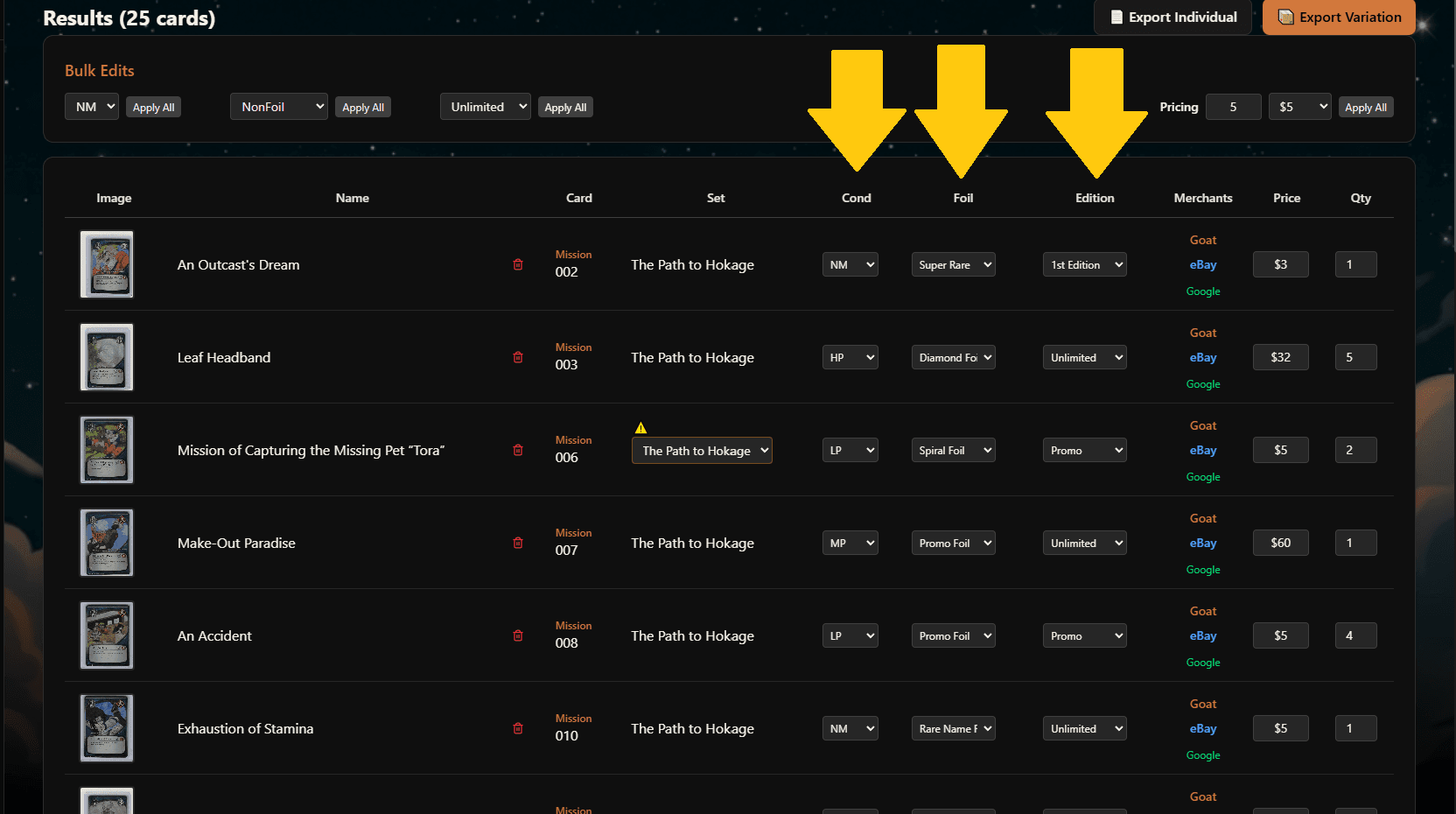
Dropdown menus to make snappy changes for Condition, Foil, Edition, and more!
Part 7:
Make instant changes to all cards within the batch with bulk edits
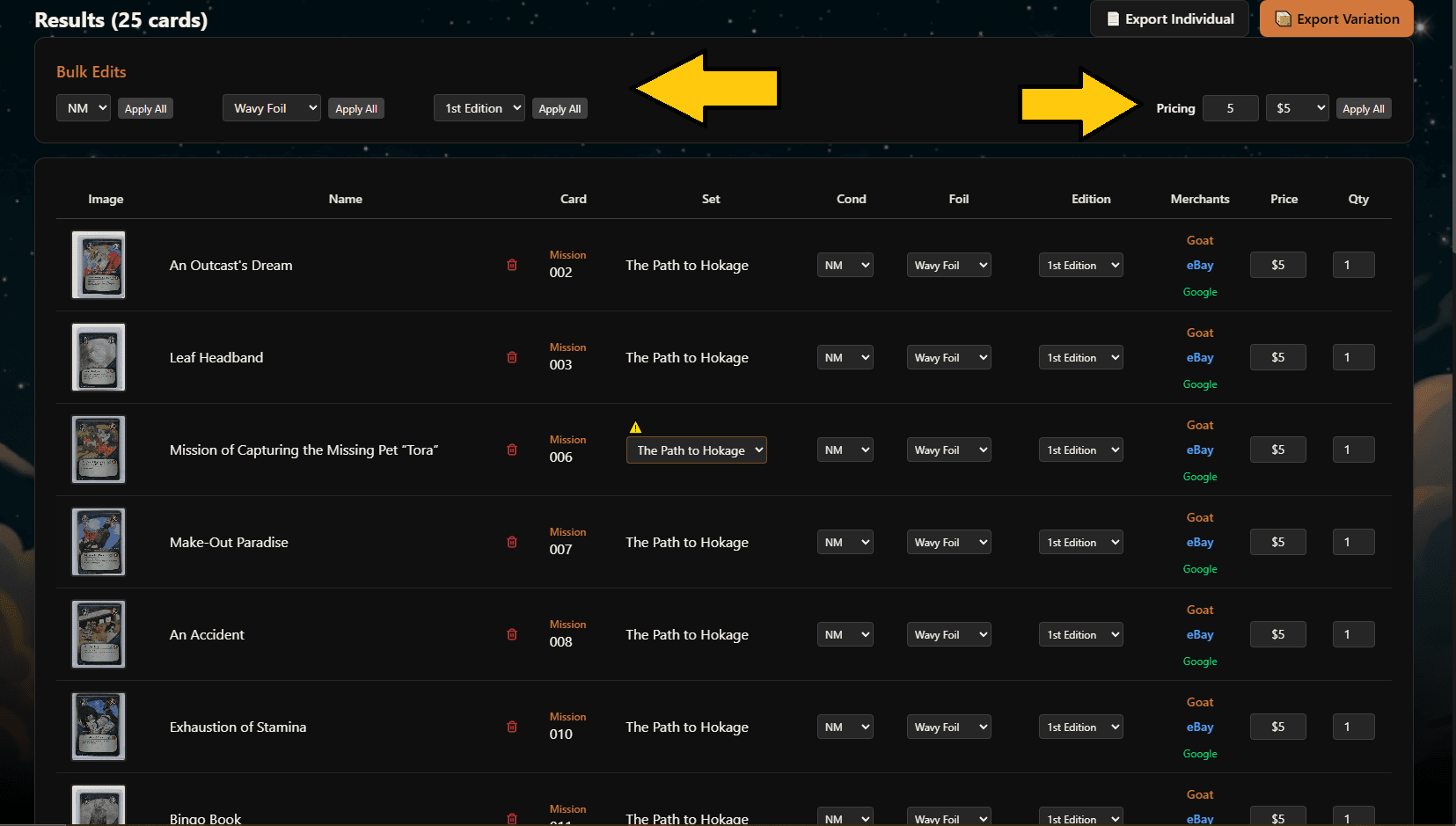
Be sure to hit apply all for the section that you're making changes to
Part 8:
Pricing Paradise
Useable links are embedded directly to popular marketplaces to help you determine your price. These links are configured for your EXACT card.
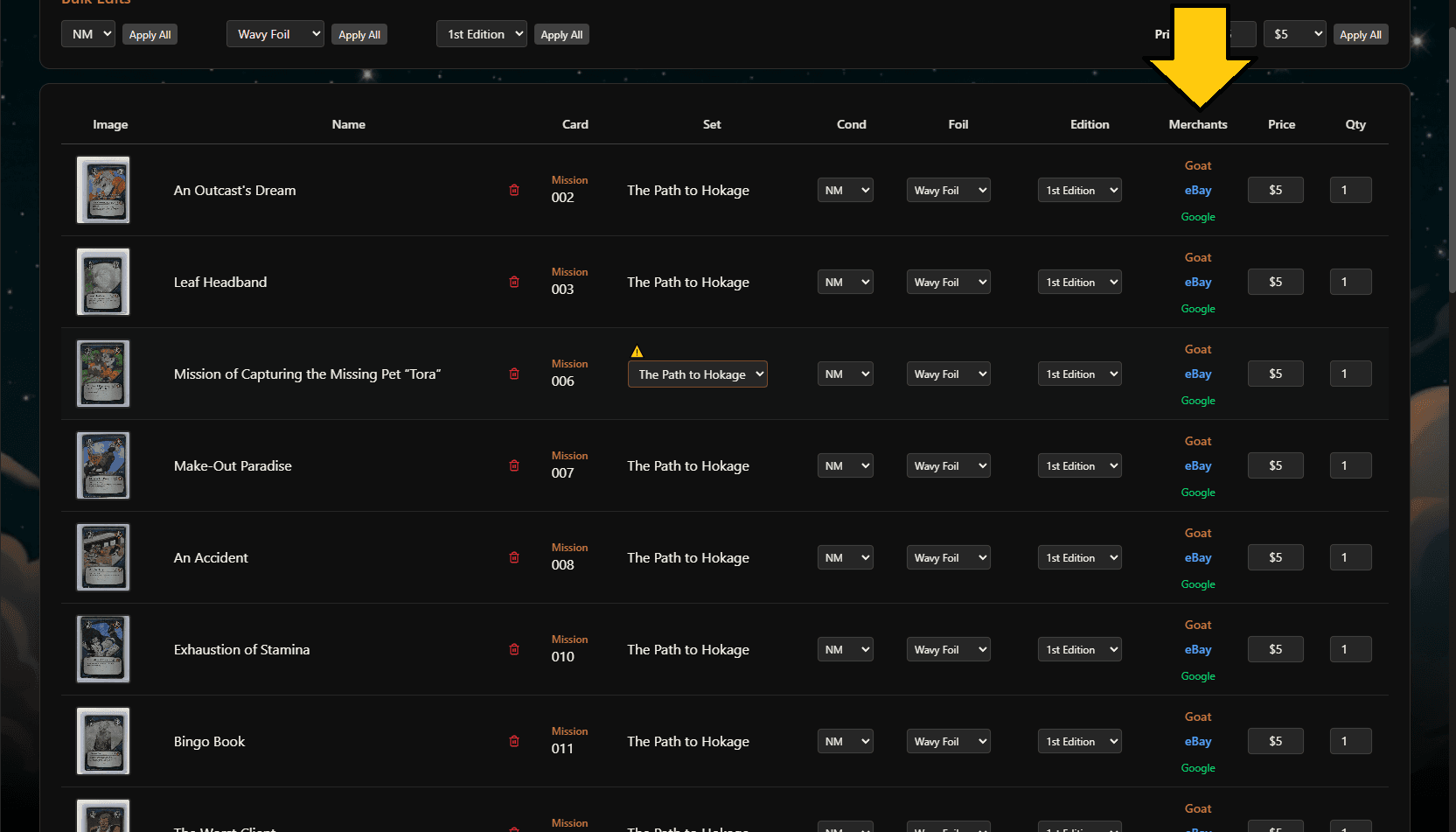
Games with large marketplaces and selling volume like Magic the Gathering will have prices auto-populate
Part 9:
Get to Market!
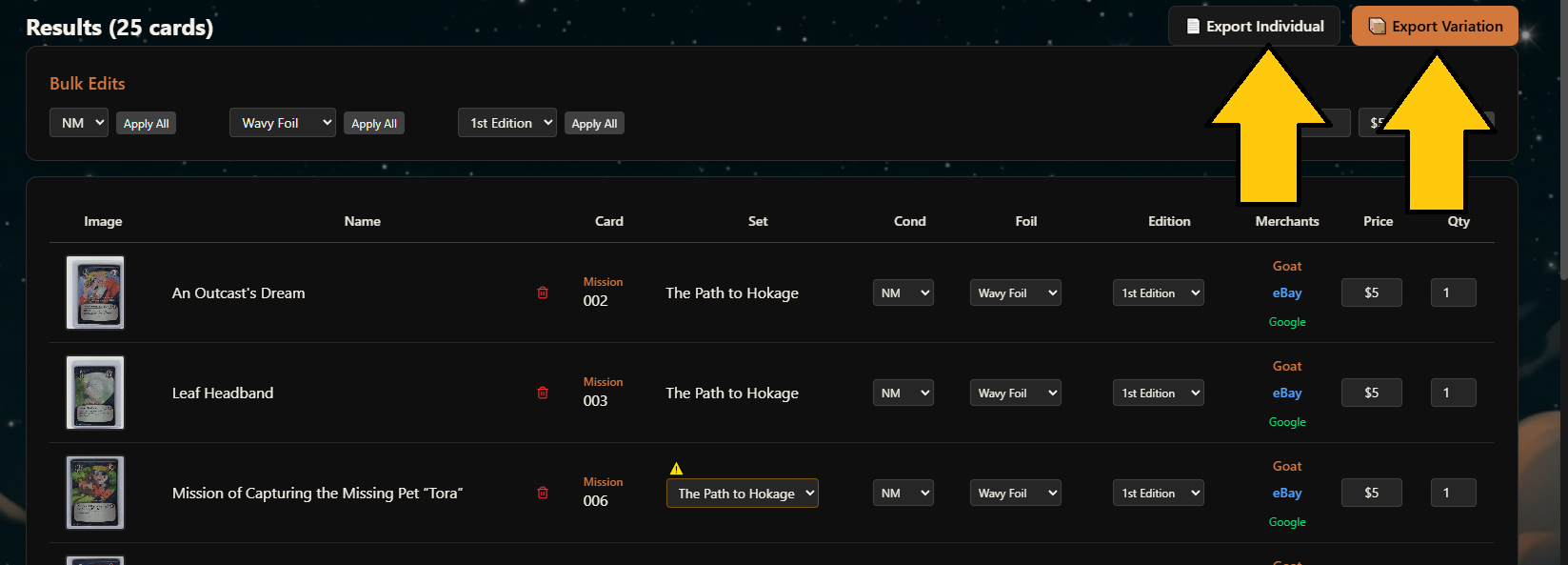
Click Individual if you'd like every card to have it's own listing; use Variation listings for many cards with shared characteristics all in the same listing. A small CSV file will download to your device.
Be sure to see our eBay One-Time Setup Guide if you've never directly imported your cards to eBay.